Primary sales tell you what you shipped to distributors and dealers. They do not tell you what reached farmers. For agri-input companies with returns at the end of the season, that gap is where profit disappears.
One screen for the dealer visit
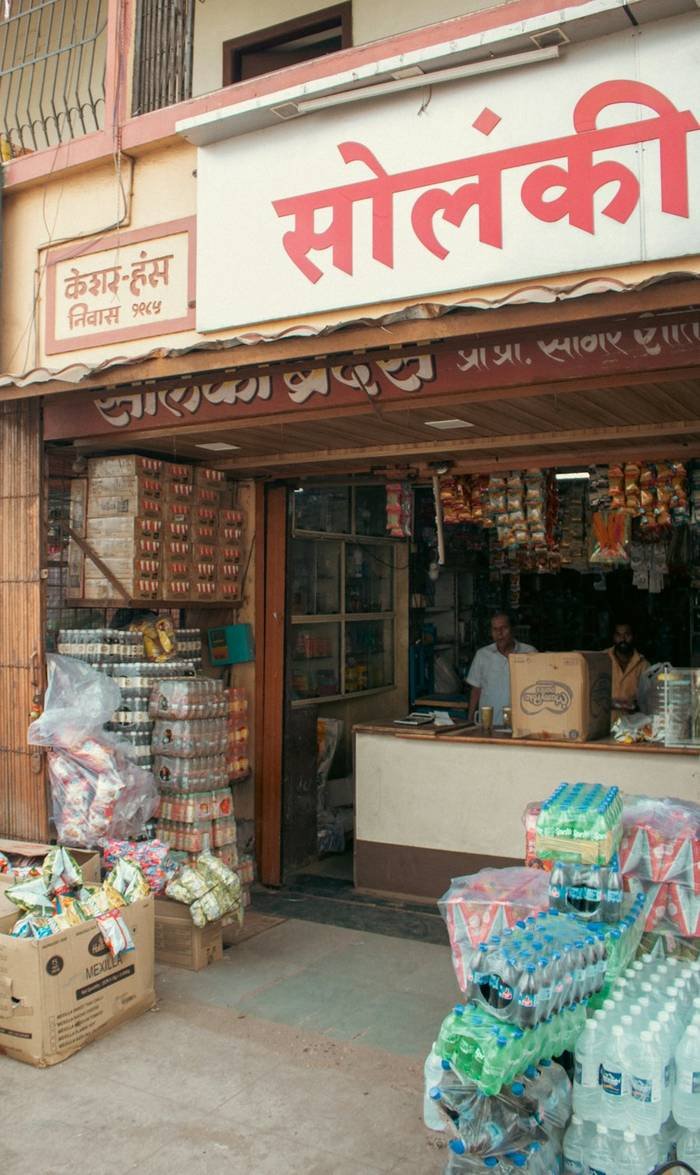
A dealer visit should capture three things together: the order taken, the stock situation and any payment collected. Splitting these into separate screens means reps fill one and skip the rest. A simple stock signal, such as enough, running low or out, collected on every visit is already more than most companies know.
Collections with receipts
When a rep collects a payment, the dealer should get a receipt immediately and accounts should see it the same day. Promises to pay should become dated follow-ups.
Liquidation: what reached the farmer
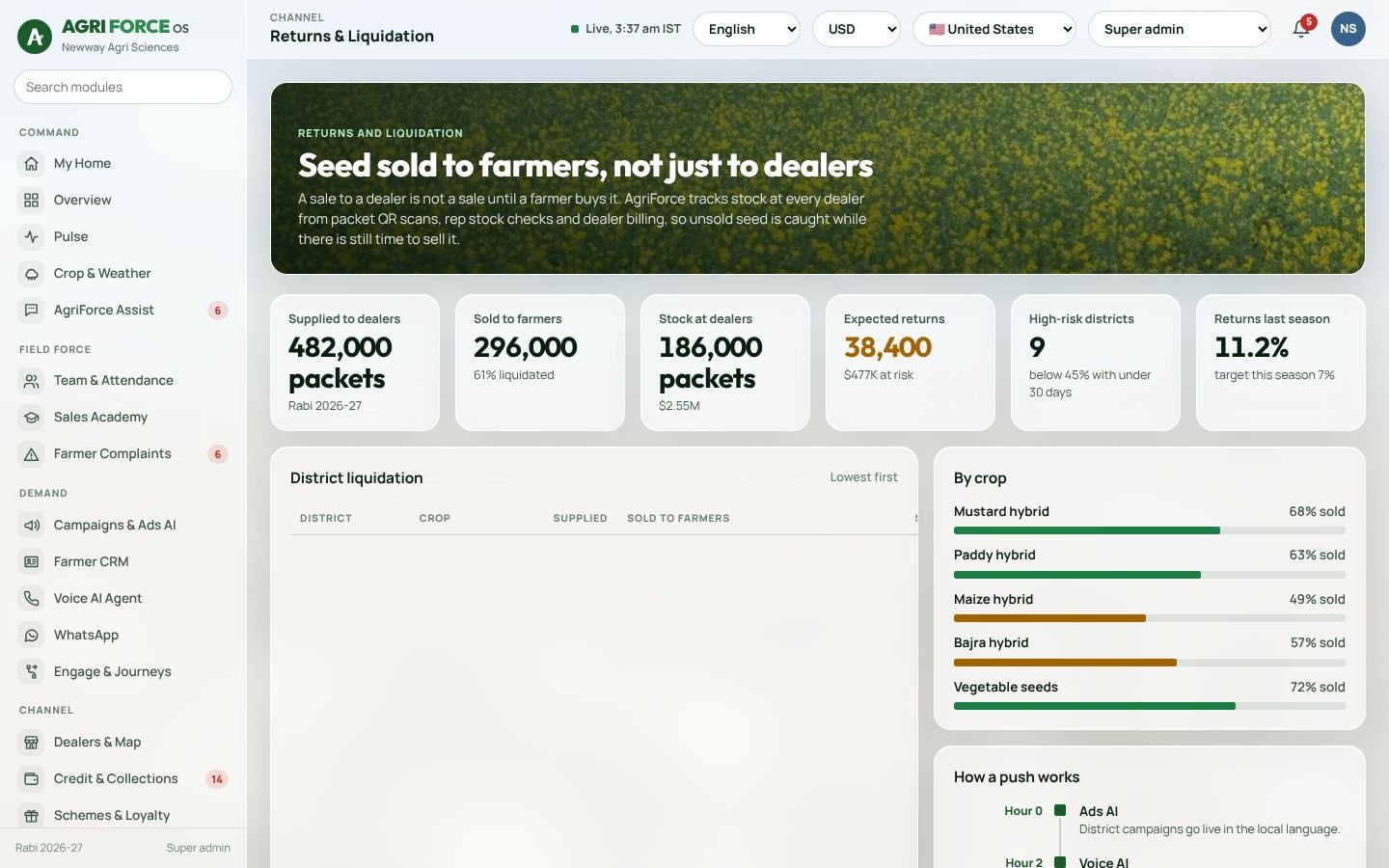
Liquidation is the share of stock in the channel that has been sold to farmers. Tracking it district by district, during the season, shows where to push with farmer meetings, demos and WhatsApp before the sowing window closes, and where to stop shipping.
Map the dealer network
Put every dealer on a map with sales, stock, visits and the rep who covers them. Gaps become obvious: villages with no dealer, dealers no rep has visited this month, districts where liquidation is lagging.
In AgriForce OS
AgriForce OS records dealer visits with order, stock and collection on one screen, pins every visit on a map, and shows liquidation by district alongside credit and schemes. See how it fits your channel in the custom build form.
Frequently asked questions
What is liquidation in agri-input sales?
The share of product in the distribution channel that has been sold through to farmers.
Why track stock at dealer visits?
It shows where product is stuck before the season ends, so the team can push sales or stop shipping and reduce returns.
We load your crops, territories and products into the AgriForce demo in 45 minutes.